
Own Your Digital Privacy
Invis - Professional App Hiding & Privacy Protection Tool
Hide sensitive apps with one touch, intelligent time management, and comprehensive digital privacy protection. Basic features free, no ads.
 Invis
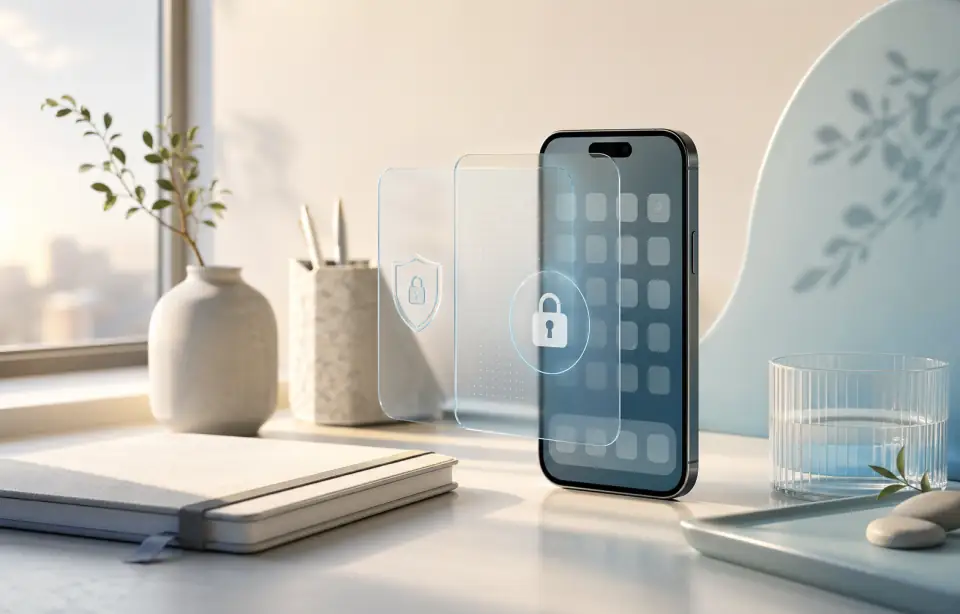
InvisOne-Touch App Hiding
Quickly hide sensitive apps, protect personal privacy from prying eyes
Intelligent Time Management
Set app usage time limits, help better manage digital life
Face ID App Lock
Lock sensitive apps with Face ID or Touch ID, keep private apps protected on your iPhone
Powerful Features to Protect Privacy
Privacy protection solution designed for modern digital life
One-Touch App Hiding
Quickly hide sensitive apps, protect personal privacy from prying eyes
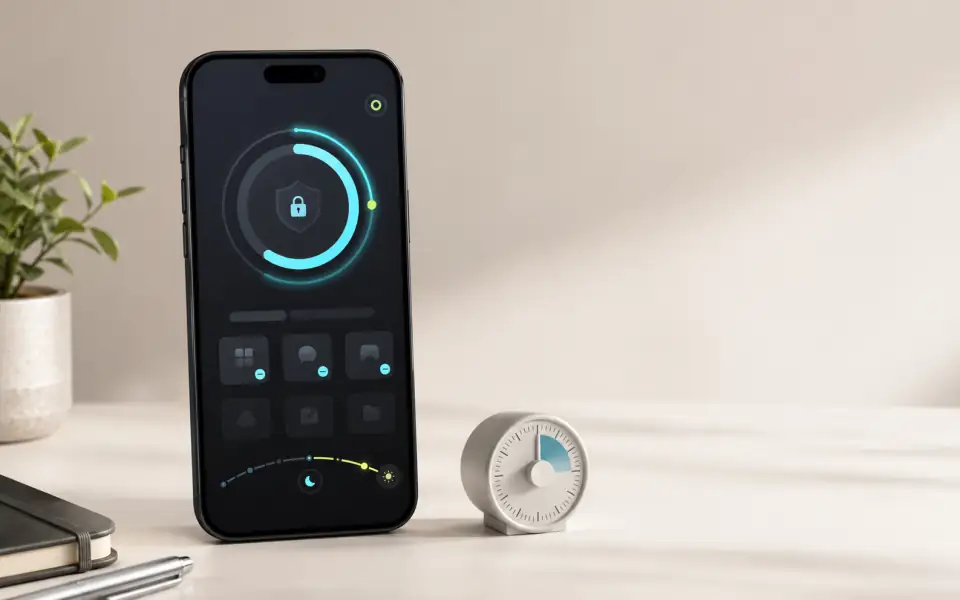
Intelligent Time Management
Set app usage time limits, help better manage digital life
Face ID App Lock
Lock sensitive apps with Face ID or Touch ID, keep private apps protected on your iPhone
Multi-User Support
Supports multiple user configurations, meets privacy needs in different scenarios
Usage Statistics
Detailed app usage data analysis, helps understand digital habits
Native Experience
Perfectly integrated into iOS system, provides smooth and natural user experience
Application Scenarios
Anytime, anywhere, Invis protects your privacy
Learn every method to hide apps on your iPhone, from built-in iOS 18 features to third-party solutions. Step-by-step instructions for keeping your apps private.
Workplace
In office or meetings, quickly hide personal apps, maintain professional image
Family Gatherings
At gatherings with family and friends, prevent personal privacy apps from being accidentally discovered
Public Places
Privacy protection when using smartphone in cafes, libraries and other public places
Blog
How to Hide Apps on iPhone: The Complete Guide for iOS 18
Learn every method to hide apps on your iPhone, from built-in iOS 18 features to third-party solutions. Step-by-step instructions for keeping your apps private.
iPhone Privacy Checklist: 15 Settings to Change in 2026
A comprehensive checklist of 15 iPhone privacy settings you should update right now, organized by category with step-by-step instructions.
How to Lock Apps on iPhone with Face ID: Step-by-Step Guide
Protect your sensitive apps with Face ID on iPhone. Learn native methods and discover a simpler way to lock apps with biometric authentication.
What is Invis?
Invis is an iOS privacy and focus tool that helps users hide apps, lock apps with Face ID, and manage screen time. It is designed for studying, deep work, shared-device privacy, and bedtime routines. All processing happens locally on the device with no personal data uploaded.
- Students: exam prep, Pomodoro sessions
- Professionals: deep work, fewer phone distractions
- Parents: protect private apps on shared devices
- Anyone: one-tap privacy before lending your phone
- Free, no ads
- All data processed locally, nothing uploaded
- Face ID / Touch ID app locking
- iOS Shortcuts automation support
- 4.7/5 rating on App Store